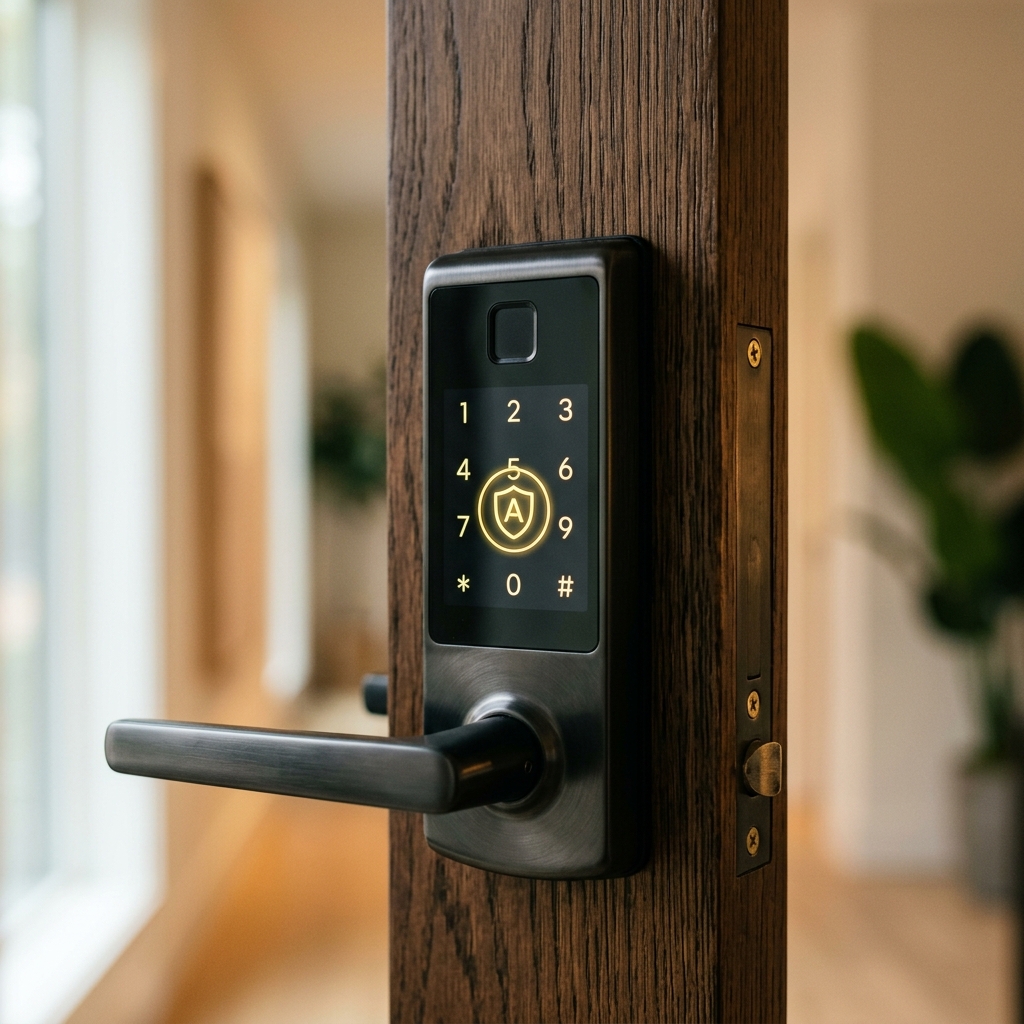
The Aliro Revolution: How to Secure Your Smart Locks and Doorbell in 2026
You’ve seen them on almost every street in the UK: smart doorbells and smart locks. They are incredibly convenient for seeing who is at the door while you're in the garden, or letting a trusted neighbor in to water the plants. But as these gadgets have become more popular, they’ve also become a target. In the past, a 'tech-savvy' thief could potentially 'jam' a smart lock or hack into a camera feed to see when your house is empty.
In 2026, a new standard called **Aliro** has arrived to fix this. It is a set of rules that every smart lock manufacturer must follow to ensure their devices are as secure as a physical deadbolt. If you are looking for how to secure devices at home, your front door is the most important place to start. Today, we’ll explain the Aliro standard in plain English and give you the 3 steps to ensuring your home wifi safety isn't compromised by your doorbell.
What is Aliro? (The 'Digital Deadbolt')
Aliro is like a 'BSI Kitemark' for digital keys. It ensures that when you use your phone to unlock your door, the signal is encrypted using the same level of security that banks use. More importantly, Aliro devices are designed to work together—so an Apple phone can securely talk to a Yale lock without needing ten different apps. This reduces the number of 'privacy holes' in your home.
3 Security Rules for Smart Doorbell Owners
- Change the Default PIN: Many locks come with '0000' or '1234.' A thief can try these in seconds. Change it to a random number you’ve never used before.
- Disable 'One-Click' Unlocking: Some doorbells can be set to unlock the door as soon as you tap a notification. Disable this! Require a Face ID or fingerprint scan on your phone before the door opens.
- The 'Two-Factor' Rule: Ensure your doorbell app has two-factor authentication turned on. If someone steals your email password, they shouldn't be able to open your front door.
The 2026 Home Network Trick: Segmentation
If you want to master network security, you should never put your smart gadgets on the same Wi-Fi as your banking computer. Use a 'Guest Network' for your doorbell and locks. If a hacker somehow finds a bug in the doorbell's software, they will be 'trapped' on the guest network and won't be able to reach your personal files or online privacy details on your main laptop.
What to Do Next
When shopping for new locks or cameras this year, look for the Aliro or Matter logos on the box. These indicate the latest 2026 device security standards. If you already have smart devices, take 10 minutes to update their firmware (software) today. These updates often contain 'Digital Vaccines' against the latest house-breaking software used by criminals. Your home is your sanctuary—make sure the digital door is as strong as the physical one.
The Golden Rule: A smart lock is only as safe as its app. Protect your smartphone with a strong PIN and Face ID to ensure that losing your phone doesn't mean losing the keys to your house.