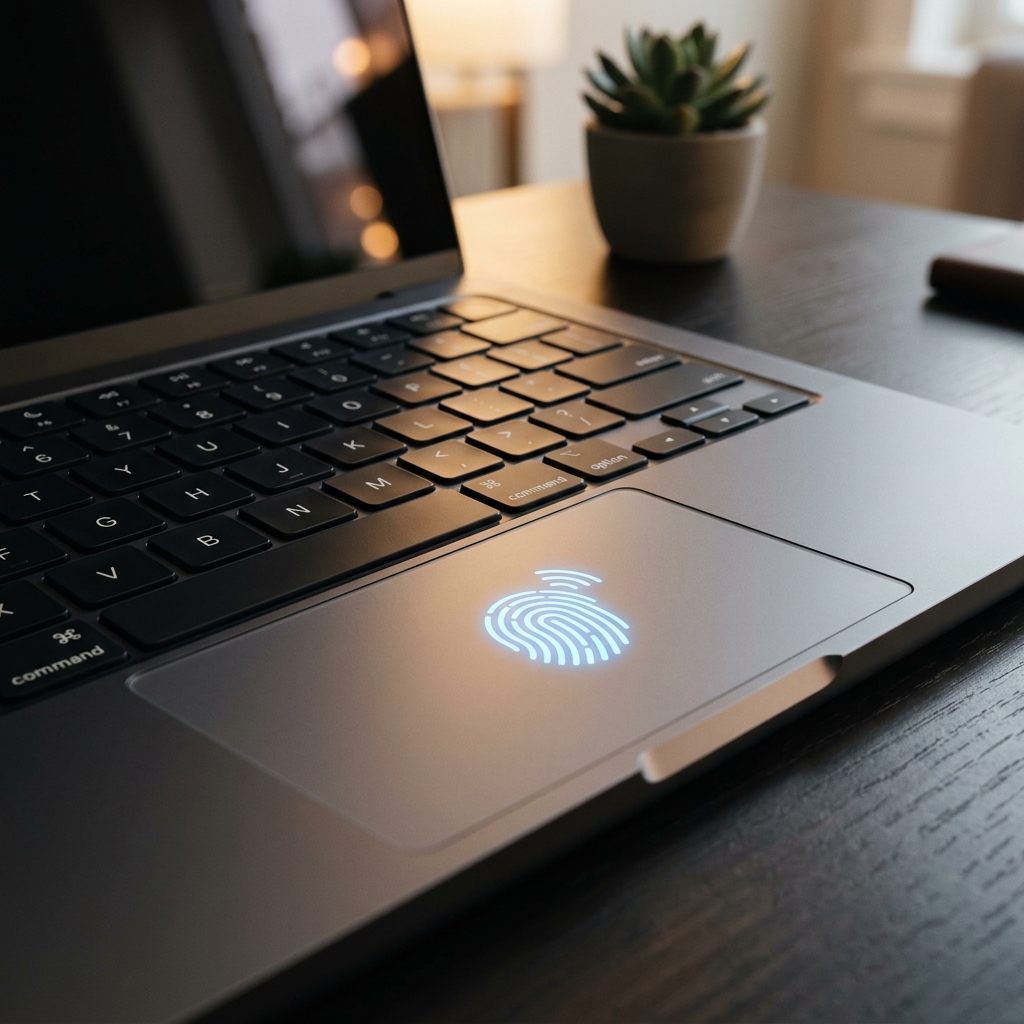
Biometric Home Security: Is It Time to Ditch Physical Keys in 2026?
It’s a scene from a science fiction movie that has become a reality on UK high streets: you walk up to your front door, press your thumb against a small pad, and the lock clicks open. No more fumbling for keys in the rain, no more worrying about whether you left the spare key under the flowerpot, and no more 'lost key' locksmith bills. In 2026, biometric security—using your face or fingerprint—has moved from our smartphones to our front doors.
But as with all new technology, it brings a fresh set of anxieties. You might wonder: 'If someone hacks my lock, do they have my fingerprint forever?' or how to secure devices at home when the device *is* the door. Today, we'll strip away the myths and explain why 2026 biometric locks are actually more secure than the traditional metal key, provided you follow a few online safety basics. Reclaiming your physical privacy is just as important as your online privacy.
The Myth of the 'Stolen Fingerprint'
The biggest fear we hear from UK retirees is that a hacker will 'steal' their fingerprint from the lock. This is a misunderstanding of how the technology works. A modern biometric lock (especially those using the **Aliro** or **Matter** standard) does not store a picture of your finger. Instead, it turns the ridges of your skin into a long mathematical code (a hash). This code is encrypted and stored on a physical chip inside the lock that never talks to the internet. Even if a master hacker stood outside your house for a year, they couldn't 'extract' your finger from the device.
Why It's Safer Than a Metal Key
- Un-Pickable: A traditional lock can be opened in 30 seconds by a thief with a set of 'lock picks.' A biometric sensor has no hole to pick.
- No Lost Keys: metal keys can be copied or stolen. Your thumb stays attached to you.
- Audit Logs: Your phone will tell you exactly *when* the door was opened. If a thief somehow got in, you would have an immediate alert on your phone.
3 Steps to Securing Your Smart Lock
- Enable 'Two-Factor' for Settings: Make sure that you cannot change the door's PIN or add a new fingerprint without a code from your phone's authenticator app. This is a vital part of what is two factor authentication—it ensures no one can 'hijack' your lock while you're sleeping.
- Use a 'PIN' as a Backup: Most biometric locks also have a keypad. Do not use '0000' or your house number. Use a random 6-digit code and keep it in your password manager.
- Set Up a 'Guest Code': If you have a cleaner or a family member visiting, don't give them your master code. Create a 'Temporary Code' that only works on certain days and expires after they leave.
What to Do Next
If you are buying a smart lock this year, look for the 'BSI Kitemark for IoT' or the 'Matter' logo. These tell you that the device has been tested against the latest 2026 cyber security threats. A smart home is a safe home, but only if you are the one holding the digital keys. Spend 10 minutes today in your lock app setting up transaction alerts, and sleep soundly knowing your 'Front Door' is as smart as you are.
The Golden Rule: Technology should simplify your life, not complicate your security. Use biometrics for speed, but keep your digital account behind a strong passphrase and 2FA.