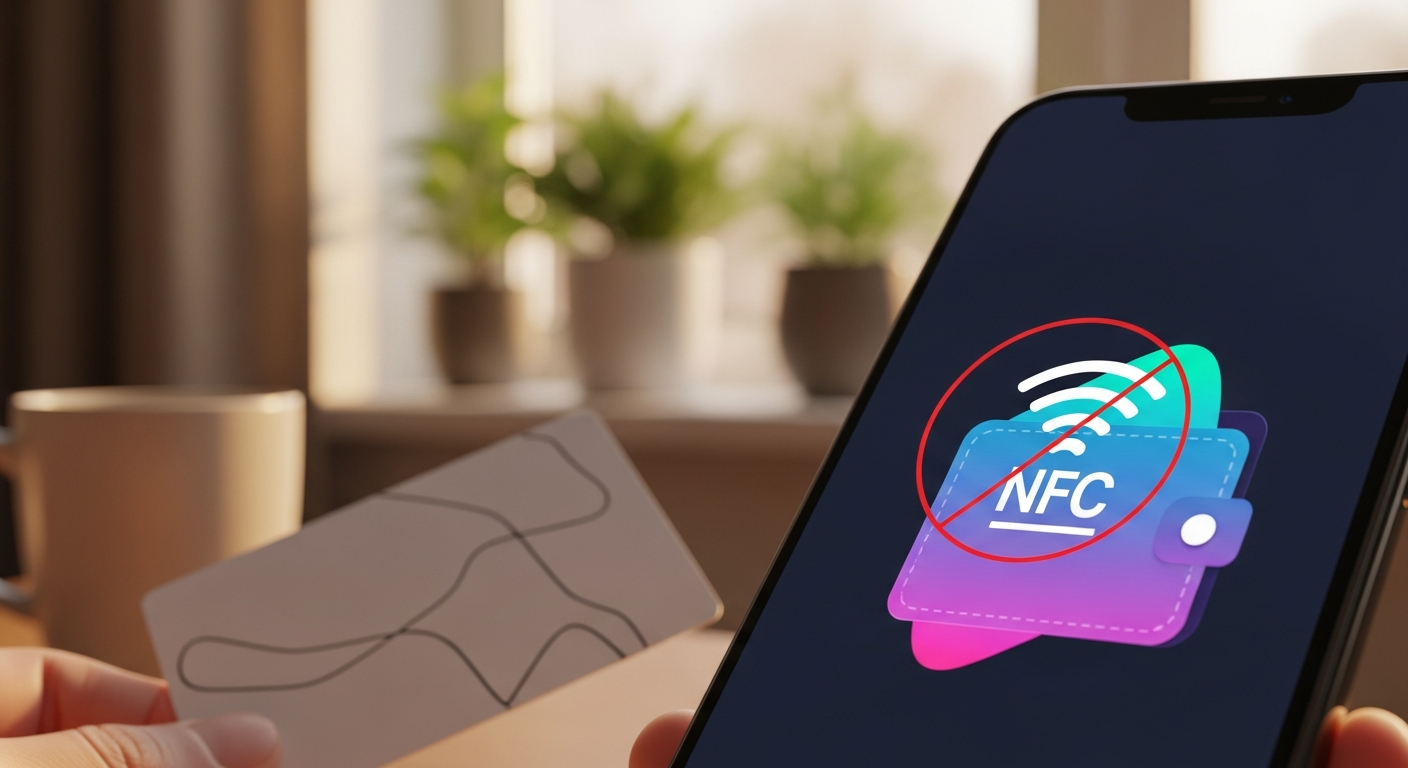
Invisible Pickpockets: Protecting Your NFC Wallet from Relay Attacks
It’s one of the greatest conveniences of modern life. You walk into a supermarket, tap your phone against the reader, and walk out. No more fumbling for coins or digging for a plastic card. This technology—known as **NFC** (Near-Field Communication)—has made our lives faster and more efficient. But as we move into 2026, criminals have developed a 'Remote Control' version of pickpocketing. It’s called an NFC Relay Attack, and it allows a thief to steal from your bank account without even touching your phone.
If you’re concerned about mobile security, you need to understand this 'invisible' threat. It isn't about hacking your software; it's about hacking the very air around your phone. Today, we'll explain how this heist works and give you a 3-step plan to ensure your digital wallet remains a vault. Reclaiming your data privacy includes protecting the 'invisible' signals your phone sends out every second.
How an NFC Relay Works (The 'Invisible Wire')
Think of your phone’s contactless signal as a very short-range radio wave (about 4 centimeters). To steal from you, a thief usually has to be right next to you. But with a 'Relay Attack,' two thieves work together. Thief A stands next to you on a bus with a powerful hidden antenna. Thief B stands in a high-end electronics store miles away with a similar antenna.
The 'RatON' Malware Threat
In 2026, researchers discovered RatON—a piece of malware that hitches a ride on 'Free' apps. Once installed, RatON can 'wake up' your phone's NFC antenna and use it to process a payment while the phone is sitting in your pocket. This is why having a strong antivirus for android phone is now vital for your online safety basics.
3 Steps to Protect Your Wallet Today
- Require 'Biometric' Approval: Go to your Apple Pay or Google Wallet settings and ensure 'Require Authentication for Every Transaction' is turned ON. This means your phone will never pay for anything unless you first scan your Face ID or Fingerprint. Even if a thief relays the signal, the payment will fail because your face isn't there to approve it.
- Turn NFC OFF When Not Needed: If you have an Android phone, you can toggle the NFC button in your 'Quick Settings' menu. Only turn it on when you are standing in the checkout line. It’s the ultimate 'deadbolt' for your digital wallet.
- Use an 'RFID Blocking' Case: If you carry physical cards in your phone case, buy an RFID-blocking sleeve or case. This uses a thin layer of metal to block all radio waves from leaving or entering your pocket. It is the cheapest and most effective device security upgrade you can buy.
What to Do Next
Check your bank statement every morning. In 2026, scammers often perform 'Micro-Taps'—taking just £2 or £3 at a time so you don't notice. If you see a charge you don't recognize, call your bank immediately and ask for a new card. Your cyber security depends on your vigilance. A contactless world is wonderful, but only if you are the one deciding when to tap.
The Golden Rule: If a payment is 'too easy,' it’s also easier for a thief. Always add the 'Biometric' step to your digital wallet to ensure your fingerprint is the only thing that can unlock your money.