Smart Home Privacy: Why Local Storage is the Key to Family Safety
You’ve just installed a smart camera to keep an eye on your front door or a baby monitor for the grandkids' bedroom. It feels like a massive leap forward in home safety! You can see your home from your phone, anywhere in the world. But as you watch that video feed, a cold thought might cross your mind: 'If I can see this from my office, who else can see it?'
In 2026, the 'Cloud' is where most of our videos live. But every time your camera sends a video to the manufacturer's server, you are trusting a corporation with the most intimate view of your life. If that company suffers a data breach, your private living room could become public knowledge. Today, we're going to talk about how to secure devices at home using Local Storage—the 2026 secret to ultimate online privacy.
Cloud vs. Local: The Privacy Debate
When you buy a camera from Amazon or Ring, they usually encourage you to pay a monthly subscription for 'Cloud Storage.' This is convenient because you don't need any extra equipment. But it is also a cyber security risk. If a hacker steals your password, they can watch every video you've ever recorded.
The Local Storage Alternative
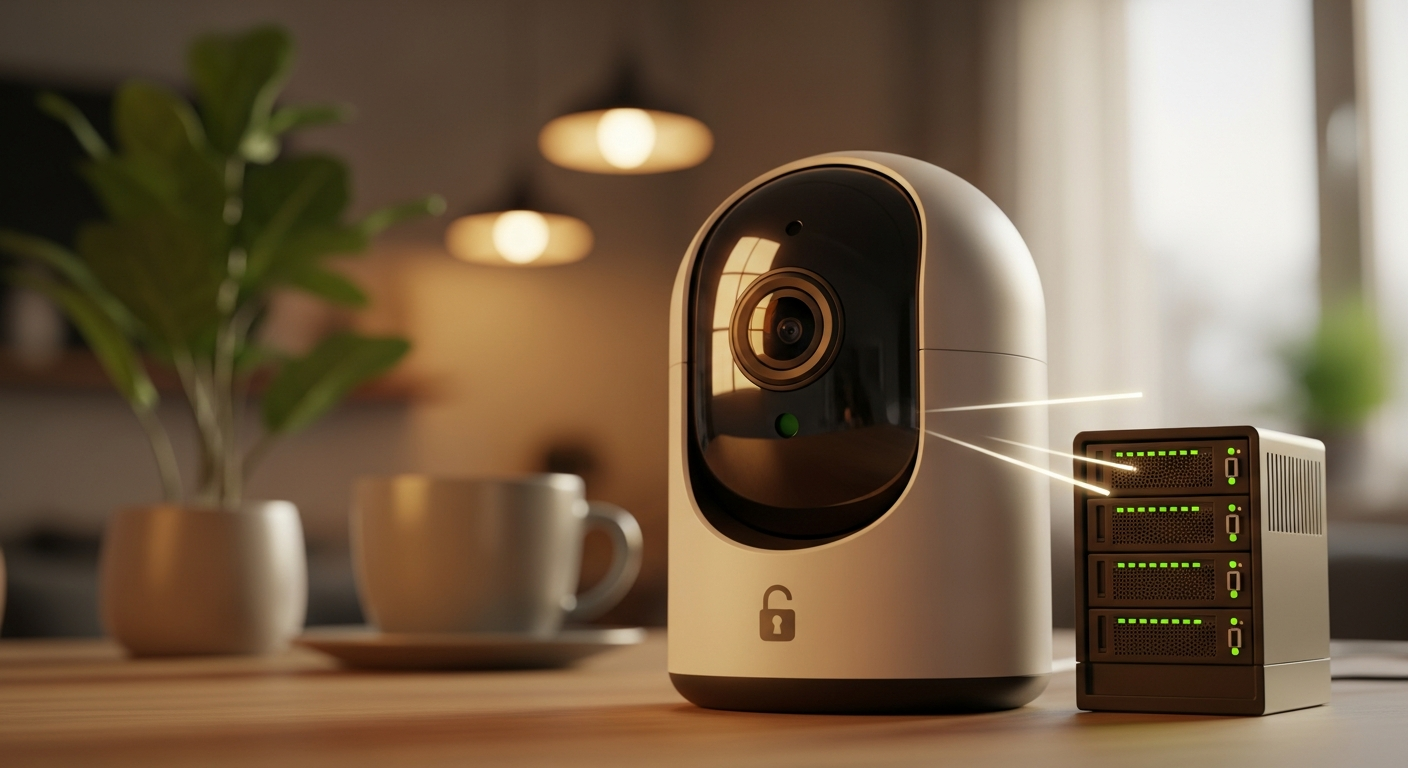
In 2026, many privacy-first brands (like Eufy or Reolink) offer 'Local Storage.' This means the camera saves the video to a tiny SD card inside the camera, or to a 'Home Hub' sitting on your bookshelf. The video *never leaves your house.* It never touches the internet. This is the ultimate way to secure online accounts because there is no 'online' account for a hacker to target.
3 Steps to a Privacy-First Smart Home
- Choose 'No-Subscription' Brands: When shopping, look for cameras that advertise 'On-Device AI' and 'No Cloud Needed.' This keeps your data security in your own hands.
- Use a 'Guest' Wi-Fi for Cameras: Follow our wifi security guide and put all your cameras on a separate network. If a hacker finds a hole in your camera's software, they will be trapped on the guest network and won't be able to reach your banking laptop.
- Enable 'End-to-End Encryption': If you must use the cloud, ensure 'End-to-End Encryption' is turned ON in the app settings. This means the video is scrambled before it leaves your house, and only *your* phone has the key to unscramble it. Even the camera company can't watch it.
The Microphone Rule
Most cameras have 'Two-Way Audio.' If you don't need to talk through your camera, turn the microphone OFF in the app. This prevents a hacker from using your camera as a listening device in your kitchen.
What to Do Next
Walk through your house today and count your cameras and smart speakers. If any of them are 'always listening' or 'always recording' to the cloud, consider if they really need to be. Your home is your sanctuary—make sure you are the only one who has the 'VIP Pass' to see inside. By choosing local storage, you are making your identity protection a physical reality, not just a digital hope.