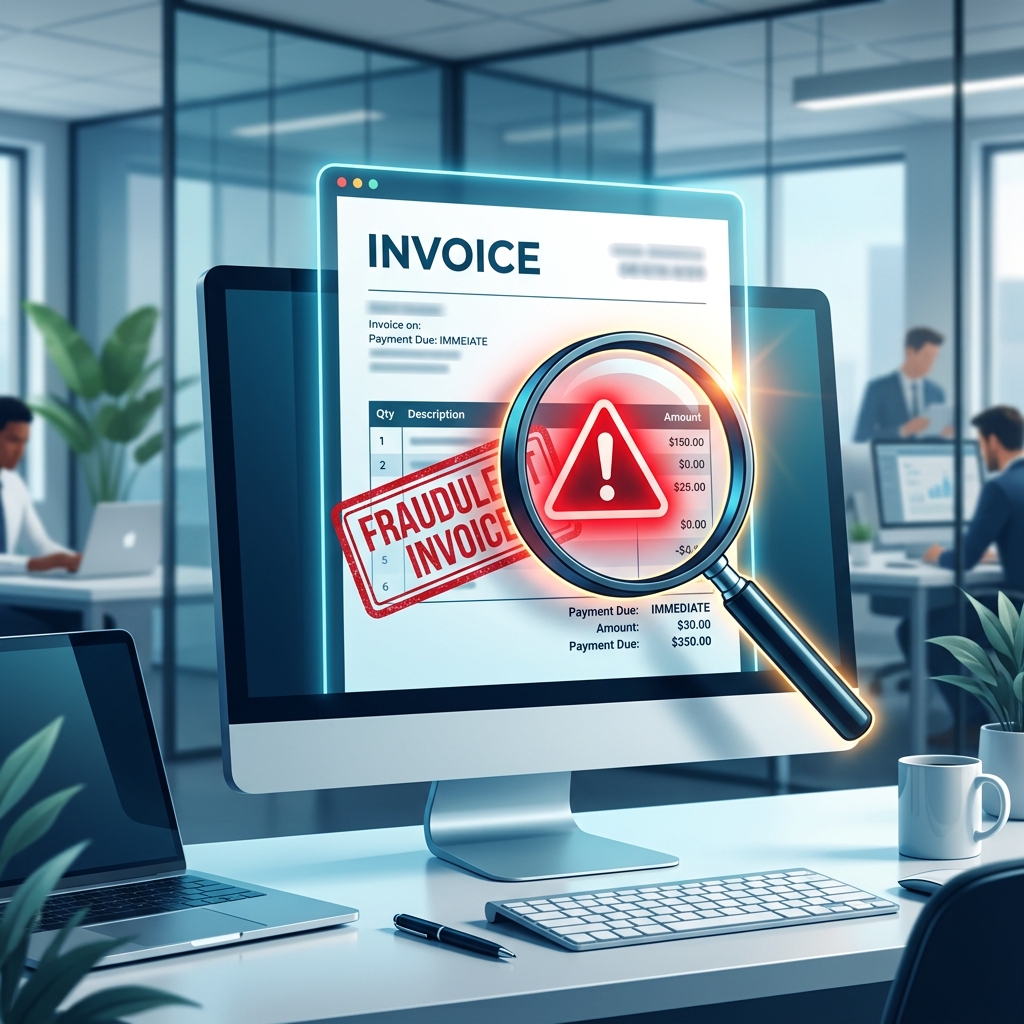
Why Did I Get a Bill for £400? The Fake Invoice Email Scam Explained
You are settling in for the evening, catching up on your daily emails, when a message suddenly catches your eye. The subject line is alarming: "Invoice #98273: Your Annual Subscription Has Been Renewed." You open the email, and it looks like an official receipt from a well-known tech company—perhaps Norton Antivirus, McAfee, or the Best Buy Geek Squad. The email states that £399.99 has been automatically charged to your account for a three-year protection plan.
Panic instantly sets in. You did not authorize this purchase. You might not even own a computer that uses that software! Your heart beats faster as you scour the email for a way to stop the charge. Right there at the bottom, written in bold, helpful text, is a message: "If you did not authorize this transaction, please call our billing department immediately at 1-800-555-0199 to cancel and claim your refund."
First, take a deep breath. Stop right there, and take your hand off the phone. Getting these emails does not mean you have done anything wrong, and more importantly, it does not mean any money has actually been taken from your bank account. You are looking at a fake invoice email scam. This is one of the most widespread and highly profitable tricks on the internet today, and understanding how it works is your best defense against it.
The Psychology Behind the Fake Invoice
To understand why a geek squad renewal scam email or a norton subscription scam is so effective, we have to look at how scammers manipulate human psychology. Unlike traditional scams that promise you free money or a lottery win, the fake invoice scam relies on fear and the desire to protect what you already have.
When we see a massive, unexpected charge, our "fight or flight" response kicks in. We feel an urgent need to fix the mistake before it ruins our monthly budget. Scammers know this. They intentionally make the fake bill extremely high—often between £300 and £800—so that you are too panicked to look closely at the details of the email. They do not want you to think; they want you to react.
Furthermore, these scammers use trusted brand names. Norton, McAfee, PayPal, and Amazon are household names. Because we trust these brands, our brains automatically bypass some of our natural skepticism. We assume the email is a legitimate billing error rather than a malicious attack. This combination of high financial stakes and trusted branding makes the fake invoice an incredibly dangerous form of phishing email.
How the Scam Actually Works: Step by Step
What happens if you actually call the number in the email? The trap is elaborate, and it usually unfolds in three distinct phases.
Phase 1: The Helpful Agent
When you dial the number, you will not reach a legitimate company. You will reach a call center run by criminals. The person who answers will sound incredibly professional. They will apologize for the "billing error" and assure you that they can process a full refund immediately. They aim to calm you down and build a sense of trust.
Phase 2: Remote Access
To "process the refund to your online banking," the scammer will claim they need to connect to your computer. They will guide you to a website and ask you to download remote support software (like TeamViewer or AnyDesk). Once you do this, the scammer can see your screen, control your mouse, and access your files.
Phase 3: The "Accidental" Overpayment
This is where the trap snaps shut. They will ask you to log into your online banking so they can deposit the refund. While you are logged in, they will alter the code on your screen or quickly transfer money between your own savings and checking accounts to make it look like they accidentally refunded you too much—for example, £4,000 instead of £400. They will then act panicked, claiming they will lose their job unless you immediately wire the difference back to them or buy gift cards to cover the spread. Because you believe they made a mistake, and you see the inflated number in your checking account, many people comply, sending their own real money to the scammers.
7 Clear Warning Signs of a Fake Invoice
Now that you know how the trap works, here is how you can spot a mcafee scam email 2026 or any other fake bill before you ever pick up the phone.
- The Sender's Address is Personal: Look closely at the "From" email address at the very top of the message. While the display name might say "Geek Squad Billing," the actual email address might be
happy.puppy77@gmail.comor a random string of letters. Real companies use official domains like@bestbuy.com. - You are Addressed as "BCC": Scammers send these emails to thousands of people at once using the Blind Carbon Copy (BCC) feature. If the "To" field is blank or says "Undisclosed Recipients," it is a mass scam message.
- Awkward Formatting: The email might look like a messy picture, or the text might have strange capitalization and poor grammar. A multi-billion dollar tech company uses professional designers, not blurry logos.
- The Push to Call a Number: Legitimate invoices simply tell you what you bought. Scam invoices practically beg you to call their customer service number to cancel. They highlight the phone number in bright colors to ensure you see it.
- Invoice for Software You Do Not Own: If you use an Apple Mac, and you get a bill for Windows Defender, it is a scam. If you have never shopped at Best Buy, and you get a Geek Squad bill, it is a scam.
- Attached PDF Files: Often, the email body is empty, and the fake invoice is attached as a PDF file. Scammers do this to bypass your email provider's security filters. Never open unexpected PDF attachments.
- Check Your Actual Bank Statement: The biggest red flag is reality itself. If an email claims £400 was deducted from your account today, open a new web browser, log into your bank independently, and look. You will almost always find that your balance is completely untouched.
What to Do If You Receive a Fake Invoice
If you spot one of these emails in your inbox, your course of action is wonderfully simple. You do not need to call your bank, and you do not need to worry about your computer's security. Simply hit the "Delete" or "Mark as Spam" button. The scammers have no power unless you call the number provided.
What to Do If You Already Called the Number
If you panicked, called the number, and allowed someone to access your computer, you need to act quickly to secure your life.
- Disconnect from the Internet: Immediately turn off your computer or unplug your internet router. This cuts the scammer's connection to your screen and stops them from moving any more files or money.
- Call Your Bank: Use your mobile phone to call the official fraud number on the back of your debit card. Explain that you granted a scammer remote access to your device. They will freeze your accounts and stop any pending wire transfers.
- Seek Professional Tech Help: Do not turn your computer back on while connected to the internet. Take the physical machine to a reputable, local computer repair shop. Tell them you were the victim of a remote access scam, and ask them to remove any hidden software before you use it again.
The Golden Rule of Invoices
Never trust the phone number provided inside an alarming email. If you are ever truly worried that you have been wrongly charged for a service, go directly to your bank's website or app to check your balance. Your bank statement is the only source of truth.